
QR Codes for Realtors: How to Use Tualero to Sell Faster
In real estate, speed matters. A buyer who scans a QR code on your "For Sale" sign and instantly sees photos, price, map, and details is a buyer who's already one step closer to purchasing. On Tualero, every property gets its own unique QR code — and most realtors aren't taking full advantage of it.
What is a Tualero QR code?
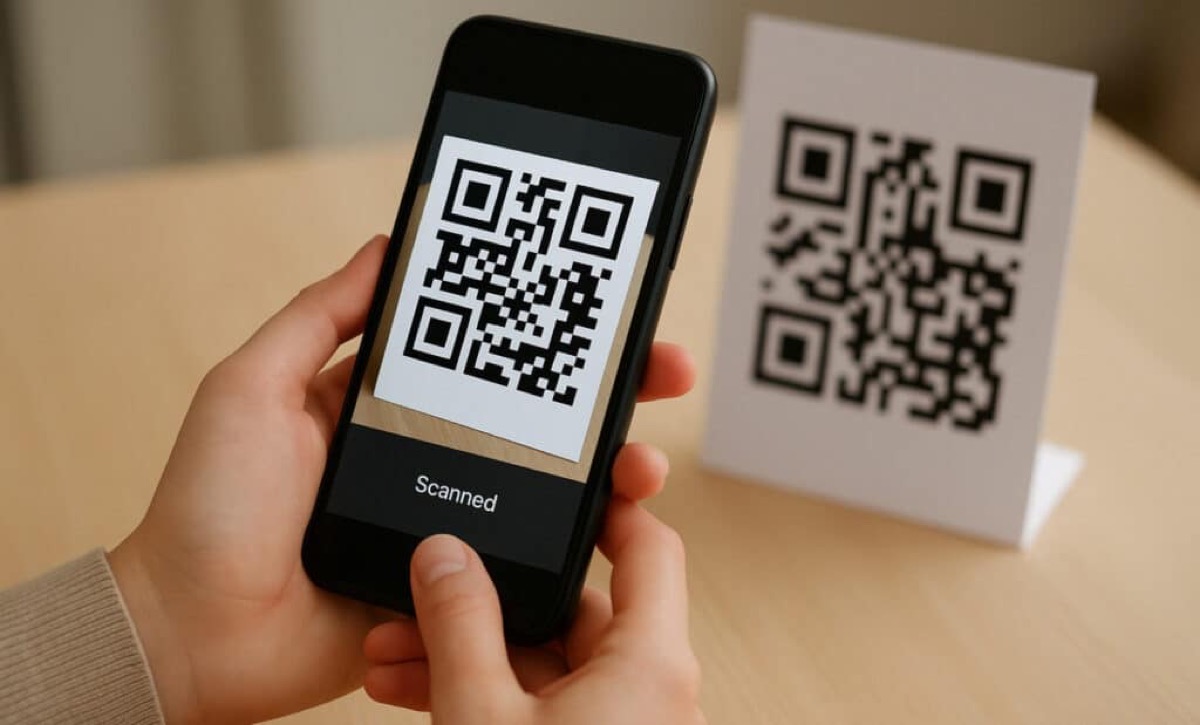
When you publish a property on Tualero, a unique QR code is automatically generated that links directly to your full listing page. No extra apps, no sign-ups — the buyer scans with their phone camera and sees everything instantly.
5 ways to use QR codes to sell more
1. "For Sale" signs
Print the QR on your sign so passersby can see the full listing without calling you. This filters out the curious and leaves you with serious buyers.
2. Business cards
Print QR codes of your best properties on the back of your business card.
3. Social media
Share the QR in Instagram stories, Facebook posts, or WhatsApp groups.
4. Open houses
Print the QR at the property entrance so visitors can save the listing to their favorites.
5. Physical advertising
Include QR codes in flyers, banners, local magazines, and even car stickers.
How to get your QR
- Publish a property on tualero.com
- Go to the listing page
- The QR appears automatically — download it with one click
- Print it or share it digitally
Publish your property on Tualero and start sharing your QR today.